
Loose office chair arms are one of those problems that start small and get annoying fast. At first, the armrests may just wiggle a little when you shift your weight. Then they begin to rattle, lean outward, slide unevenly, or feel unstable every time you stand up or sit down. In many cases, the fix is surprisingly simple: tighten the mounting hardware, realign the brackets, and replace any worn bolts or cracked spacers before the looseness gets worse.
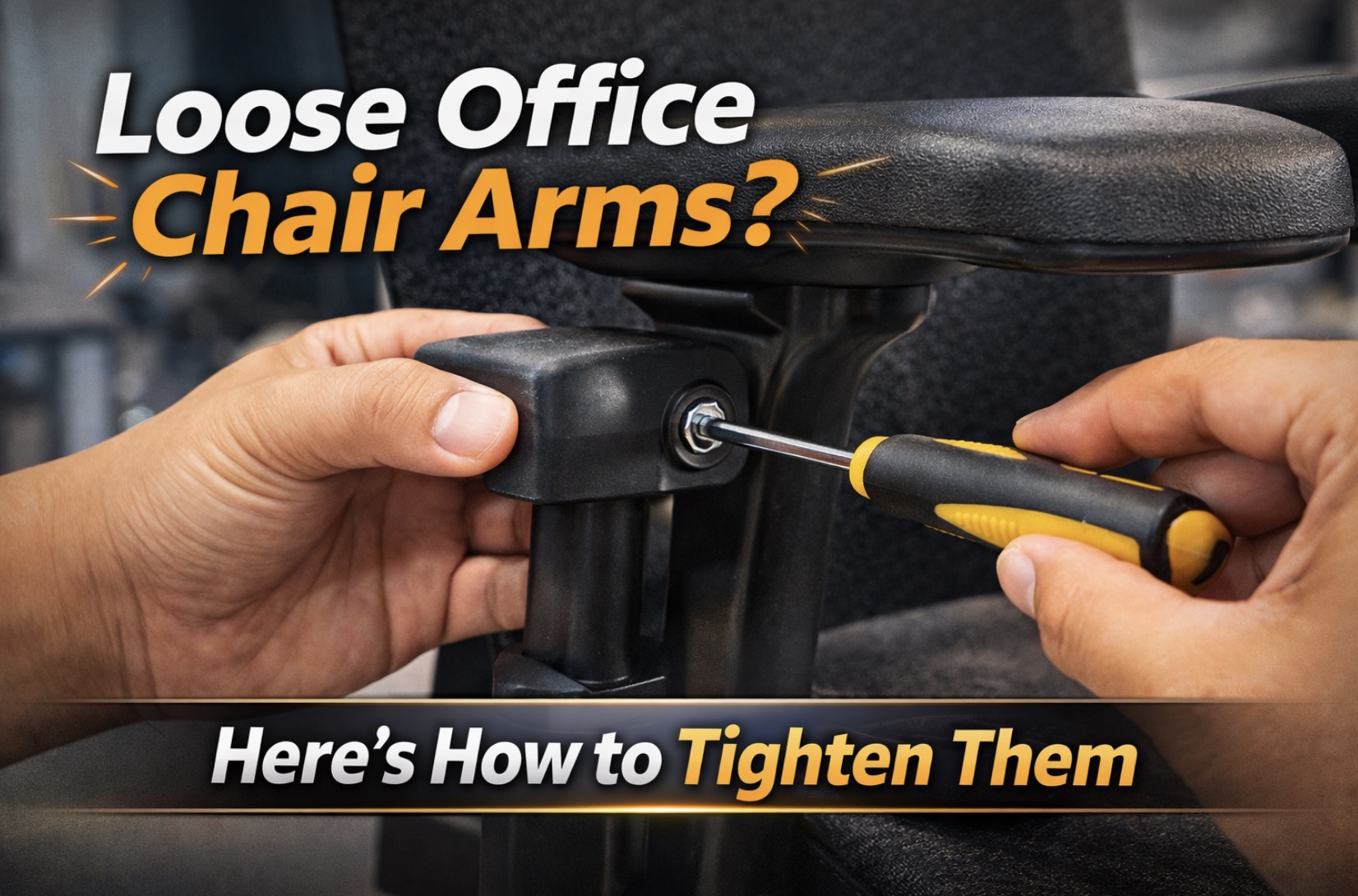
The tricky part is that “loose arms” can mean a few different things. Sometimes the entire arm assembly is loose where it bolts to the seat. Sometimes the arm pad is loose on top while the support post is still solid. On adjustable chairs, the wobble may come from the height-adjustment track or pivot joint rather than the main mounting screws. That is why the best repair starts with identifying exactly where the movement is happening.
Before you start, it helps to have a few common tools nearby, like an Allen key set for office chairs, a Torx bit set for chair repair, and some blue threadlocker for furniture bolts if the screws keep backing out over time.
Why Office Chair Arms Become Loose
Armrests loosen for a handful of very predictable reasons. Daily pressure from pushing yourself up out of the chair, leaning on one side, moving the chair by the arms, and years of vibration from rolling around the floor can all slowly work hardware loose.
Other common causes include:
- Mounting bolts that have backed out over time.
- Plastic trim covers hiding screws that were never re-tightened after assembly.
- Worn washers, spacers, or inserts inside adjustable arm joints.
- Cracked plastic brackets or armrest shells.
- Stripped screw holes in the arm pad or support frame.
- A loose seat plate or chair frame that makes the arms feel loose even when they are not.
If the whole chair also rocks or shifts when you lean, the issue may not be limited to the armrests. In that case, check Why Your Office Chair Wobbles and How to Fix It Fast so you do not waste time tightening the wrong part.
Step 1: Find Out Exactly Where the Arm Is Loose
Before tightening anything, grab the armrest and move it in different directions. You are trying to identify the exact point where the play starts.
- If the entire arm support moves at the seat, the mounting bolts underneath are likely loose.
- If only the top pad wiggles, the pad screws or mounting inserts are usually the problem.
- If the arm goes up and down loosely, the height-adjustment mechanism may be worn.
- If the arm pivots side to side or inward/outward too easily, the pivot bolt or internal bushing may be loose or worn.
This matters because tightening the wrong fasteners will not fix the wobble. You want to follow the movement to its source.
Step 2: Tighten the Main Armrest Mounting Bolts
On most office chairs, the arm supports attach to the underside of the seat with two to four bolts per side. These are the first fasteners to check.
- Flip the chair carefully onto its side or upside down on a soft surface.
- Look under the seat where each arm bracket meets the seat frame or mechanism plate.
- Remove any plastic covers hiding the bolts.
- Use the correct tool—often an Allen key, Torx bit, or socket wrench—to snug the bolts evenly.
- Tighten firmly, but do not over-torque into plastic or soft threaded inserts.
If the bolts keep loosening after a week or two, a small amount of removable blue threadlocker on clean threads can help them stay put.

ELEAD 31-Piece Hex Key Set - Allen Wrench Set, SAE and Metric Allen Keys MM(0.7mm-10mm) SAE(0.028"-3/8) Heat-Treated, Torque Handle, High Leverage, Long & Short Keys, Easy Organization

Kraftek toolant 14PCS Folding Allen Wrenches Sets, Metric Allen Key Set 2mm- 6mm, SAE Hex Key Set 5/64”- 1/4", CRV Steel EDC Tool for Bike Repair & Home,Compact Foldable Hex Key Set for Men

EFFICERE 30-Piece Premium Hex Key Allen Wrench Set, SAE and Metric Assortment, L Shape, Chrome Vanadium Steel, Precise and Chamfered Tips | SAE 0.028-3/8 inch, Metric 0.7-10 mm | In Storage Case
Step 3: Check the Arm Pad Screws
A lot of people assume the whole arm is loose when the actual wobble is only in the arm pad. This is especially common on padded T-arms and adjustable 3D or 4D armrests.
- Inspect the underside of the arm pad for visible screw heads.
- Press down on the pad while checking whether the support post stays stable.
- Tighten any accessible screws evenly.
- If a screw spins without tightening, the internal insert may be stripped.
If the pad is cracked or the inserts are damaged, it may be more practical to replace the top cushion or the whole arm pad set with replacement office chair arm pads rather than fighting a permanent wobble.
Step 4: Inspect Height-Adjustable Arm Mechanisms
If your chair has adjustable arms, the looseness may come from the vertical track or locking button mechanism instead of the seat mount.
Common signs of adjustable-arm wear include:
- The armrest rattles up and down even when locked.
- The arm drops slightly under pressure.
- The release button works, but the arm no longer locks tightly into each height setting.
In some cases, you can tighten visible side screws or access the mechanism by removing a trim cover. In other cases, the internal guide, spring, or locking tooth is worn out and the arm assembly needs replacement.
If you notice loose controls elsewhere under the seat while checking the arms, How to Replace a Broken Office Chair Adjustment Knob is useful for diagnosing cracked knobs and other under-seat hardware issues at the same time.
Step 5: Realign Bent Brackets or Uneven Mounting
Sometimes an arm feels loose because it is sitting at a bad angle, not because the screws are technically loose. If one side was installed slightly crooked, or the chair took an impact during moving, the bracket may sit unevenly and create play.
- Loosen the bolts slightly rather than removing them completely.
- Shift the arm bracket back into its correct seated position.
- Hold the arm square while re-tightening the bolts gradually.
- Tighten each bolt in stages so the bracket seats evenly.
If the metal bracket is visibly bent or the plastic shell is cracked, tightening alone may not hold for long. At that point, looking at replacement office chair armrests is often the cleaner long-term fix.
Step 6: Replace Worn Hardware Instead of Reusing It
If a bolt is stripped, a washer is crushed, or the threaded insert is damaged, simply tightening the old parts may only delay the problem.
Watch for these signs:
- Bolt heads that are rounded off.
- Threads that feel rough or skip when tightening.
- Washers that are bent, split, or missing.
- Plastic mounting points that flex too much even when fully tightened.
A small furniture bolt and washer assortment can be handy when the original hardware is worn but the arm itself is still usable.
Step 7: Use the Right Lubricant Only When Noise Is Part of the Problem
Loose arms and squeaky arms are related problems, but they are not the same. If your armrest is tight but noisy, a little lubricant at the pivot or adjustment joint may help. If it is physically loose, lubricant alone will not fix it.
- Use a light silicone spray lubricant for office chairs on metal pivot points only.
- Do not soak fabric, mesh, or foam surfaces.
- Wipe away excess so dust does not build up.
If noise is a big part of the problem, pair this repair with How to Fix a Squeaky Office Chair in 10 Minutes so you can quiet the chair while you tighten it.

Ketofa Office Chair Arm Rest Replacement Fits All Styles of Arms with 4" Mounting Hole Patterns Screws Set Desk Armrest Cover(2Pack)

Podoy Office Chair Armrest Pads Replacement, 4" Mounting Holes, 2 Pack

MySit Office Chair Armrest Replacement Universal 4" or 5.5" Mounting Hole
When Tightening the Arms Is Enough
A simple tightening job is usually enough when:
- The armrest wobble started gradually.
- The chair is otherwise in good shape.
- The bolts tighten normally and hold their torque.
- There are no cracks in the bracket, shell, or seat mount.
In these cases, the repair is often a 10- to 20-minute job with basic tools.
When You Need to Replace the Armrests Instead
Sometimes the hardware is not the real issue—the arm assembly itself is worn out or broken.
Replacement is usually the better option when:
- The plastic arm structure is cracked.
- The height-adjustment mechanism no longer locks.
- The threaded inserts are stripped beyond repair.
- The arm pad mounting points are broken.
- The chair has already been tightened several times and keeps loosening.
At that point, shopping for universal office chair armrest replacements or brand-specific arms may save more time than trying to rebuild a failing assembly.
A Quick Tightening Checklist Before You Finish
Before calling the repair done, run through this quick check:
- Confirm the main arm-to-seat bolts are tight and evenly seated.
- Check arm pad screws and hidden fasteners.
- Test height and pivot functions if your arms are adjustable.
- Make sure both arms sit at the same height and angle.
- Re-test the chair while sitting, leaning, and standing up normally.
- Re-check bolt tightness after several days of use.
A lot of successful chair repairs come down to patience and tightening the right points in the right order.
Conclusion
Loose office chair arms are annoying, but they are often one of the easiest chair problems to fix. In many cases, all you need is the correct driver bit, a careful inspection, and a few minutes tightening the seat mounts, arm pad screws, or adjustment joints.
The key is identifying where the movement starts. If the looseness comes from bolts that have backed out, tightening and a small amount of blue threadlocker can solve it. If the arm structure itself is cracked or the adjustment mechanism is worn, it is usually smarter to move straight to replacement office chair armrests.
Either way, fixing the problem early is worth it. Tight armrests make the chair feel more solid, more comfortable, and much less frustrating to use every day.

Besitu 500Lbs Office Chair Replacement Parts, w/ 6'' x 10.2" Mounting Holes Chair Base Heavy Duty Plate Swivel Tilt Control Seat Mechanism for Executive and Gaming Chairs
